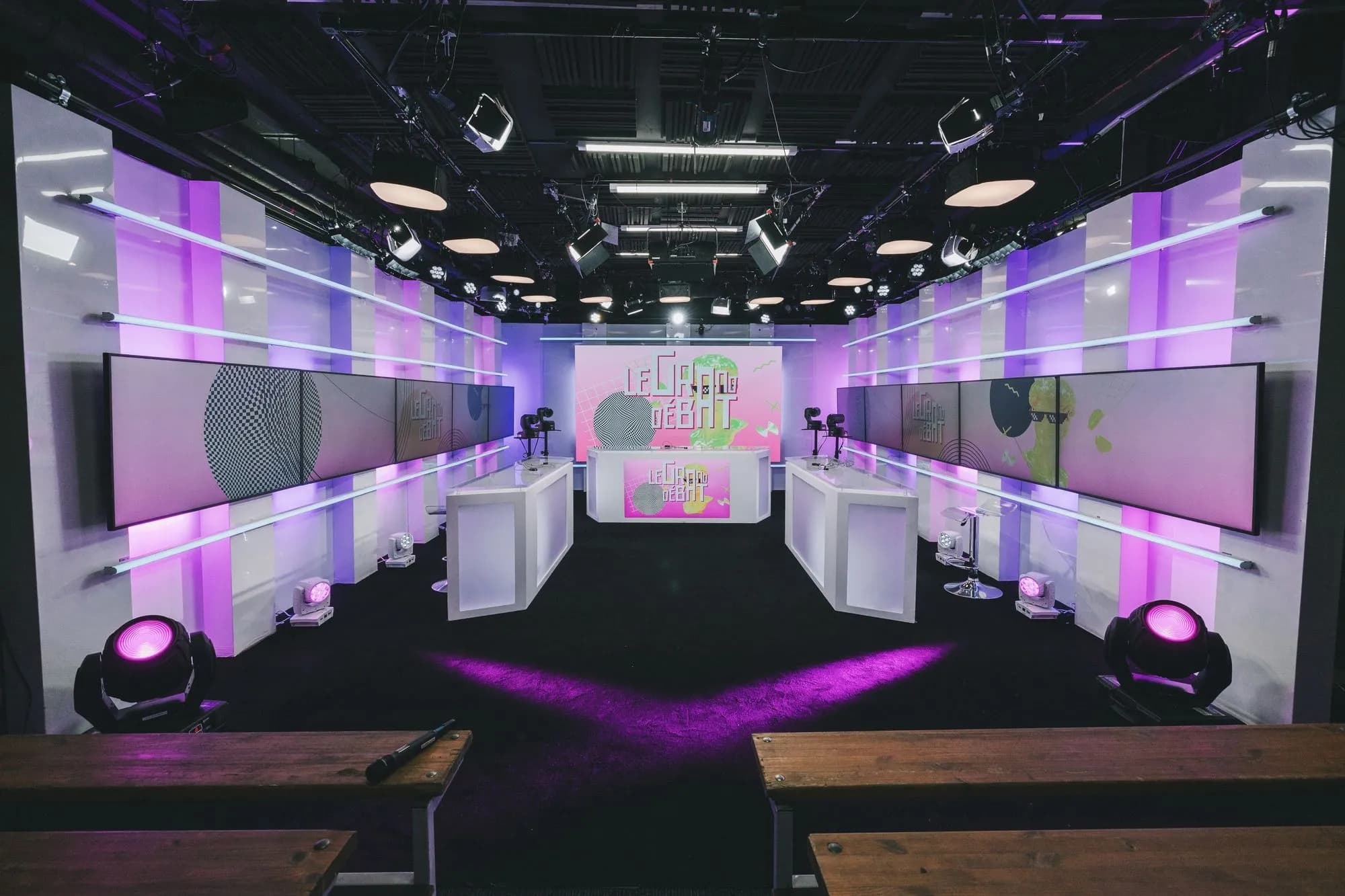
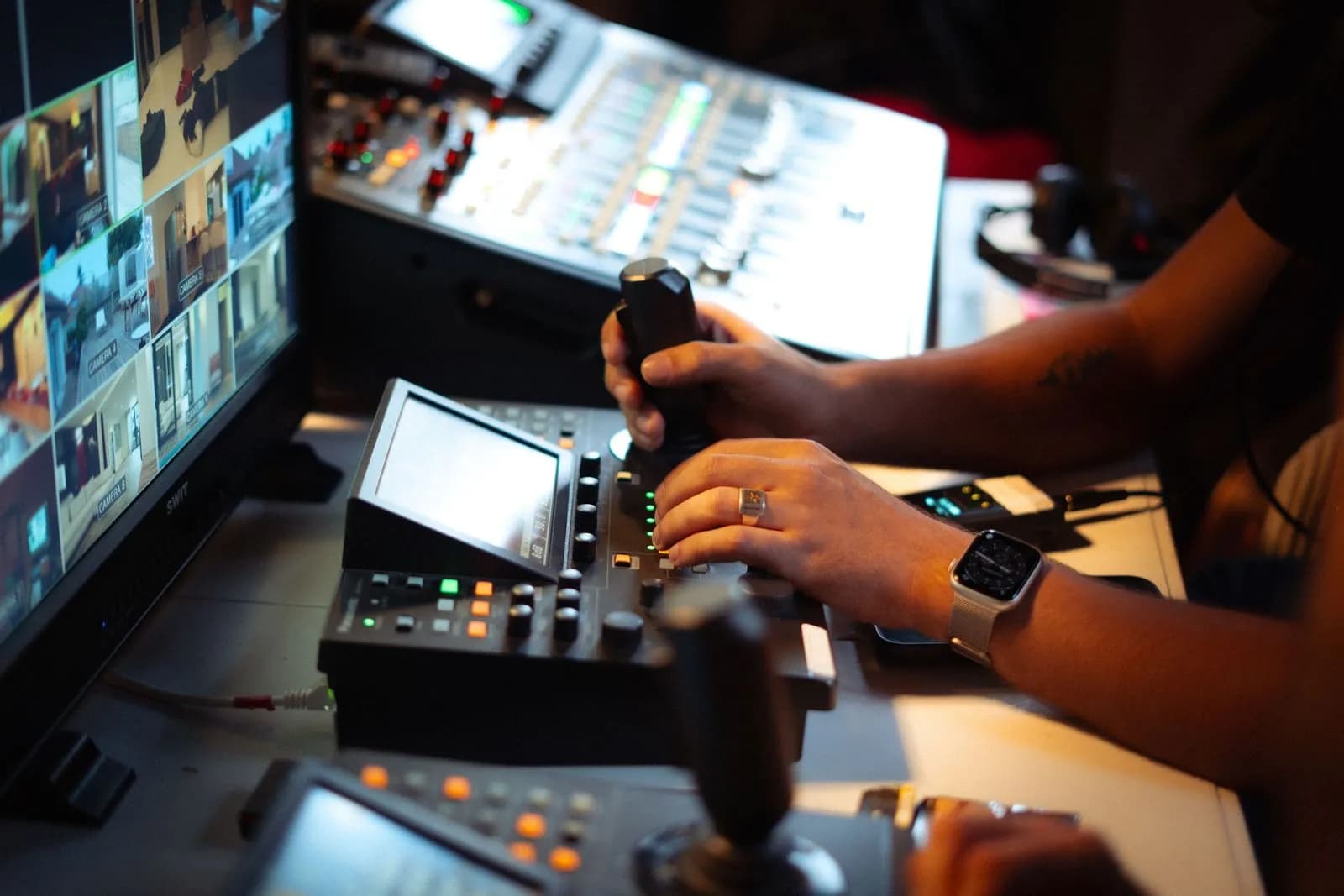
By Oopercast, a TV & video production company
The perfect transcription toolfor TV.
Ooperflow joins your Google Meet calls and gives you an exact transcript: who said what, word for word.
 Works with Google Meet
 Data stored in the EU
How it works
- 1
The bot joins
Ooperflow joins your Google Meet call.
- 2
Every voice on its own track
Each participant's audio is captured separately.
- 3
Transcript + notes
It all lands in your library, sourced.
Audiovisual lexicon
Ooperflowspeaks TV.
Run-down, rushes, grading, prime time, lower thirds, PAT: Ooperflow is guided by an audiovisual lexicon so production jargon is written down right, not mangled.
- Run-down
- Rushes
- Grading
- Mixing
- Gallery
- Prime time
- Voice-over
- Lower thirds
- PAT
- Arcom
What the lexicon prevents
- « lower birds »lower thirds
- « the grating session »the grading session
- « pas d'hat »PAT
Built for TV
Made by a production company,for your production meetings.
- Production meetings
- Editorial meetings
- Channel & broadcaster calls
- Remote castings
- Shoot debriefs
- Client calls
The product
Who said what,and when.
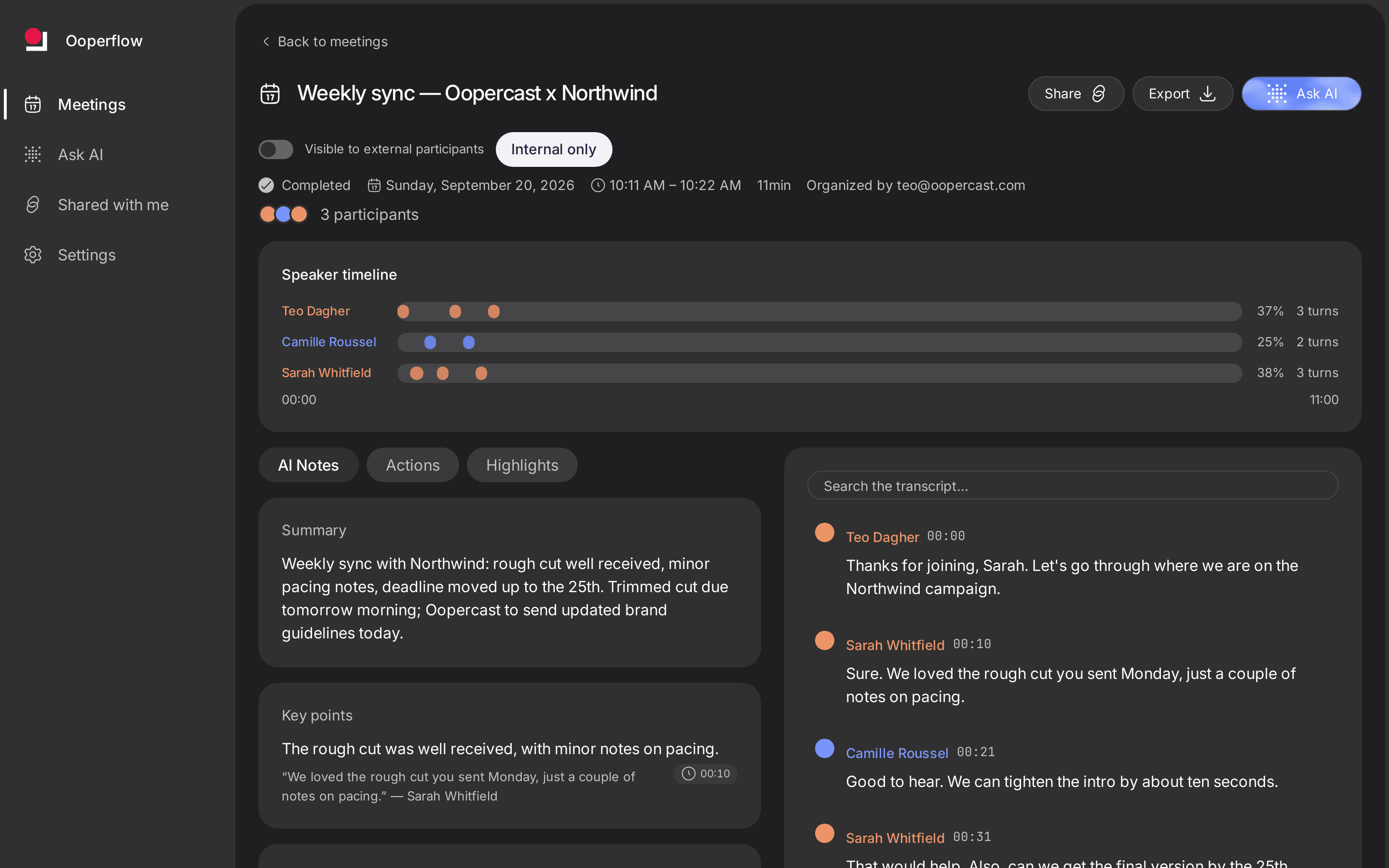
- Per-speaker transcript, timestamped
- Notes and action items linked to their quote
- Ask AI: answers with their sources
Your meetingsstay between you.
Privacy policy- Stored in the EU (Ireland), app served from Dublin
- Transcripts and notes computed by Groq, in the US
- Audio deleted after transcription
- No model trained by Oopercast
Frequently askedquestions.
- Does it transcribe our shows or rushes?
- No: only your Google Meet meetings. No video, no subtitles.
- What about Zoom or Teams?
- Not today: Google Meet only.
- How does it know who's speaking?
- Each participant arrives on their own audio stream: attribution is exact.
- Who can read a transcript?
- The participants, people it's shared with, and workspace admins.